
Advocacy, influence and representation
The Australian Iranian Community Council (AICC) is committed to representing the interests and wellbeing of Iranian‑Australians through independent, non‑partisan advocacy. Our political engagement focuses solely on issues that affect our community, such as human rights, democratic movements, social cohesion, multicultural affairs, and community safety.
Our advocacy is never aligned with any political party or election campaign. AICC engages openly and respectfully with all sides of politics, providing balanced information, evidence‑based perspectives, and constructive dialogue. We do not endorse or oppose any political party or candidate. Our role is to amplify community needs, making sure the voices of people from different backgrounds are represented and heard by Governments and other policy makers. We support fair and transparent public policy, and uphold the principles of integrity, neutrality, and accountability in all advocacy activities. We do this through submissions and responses to government inquiries and participation in consultations.
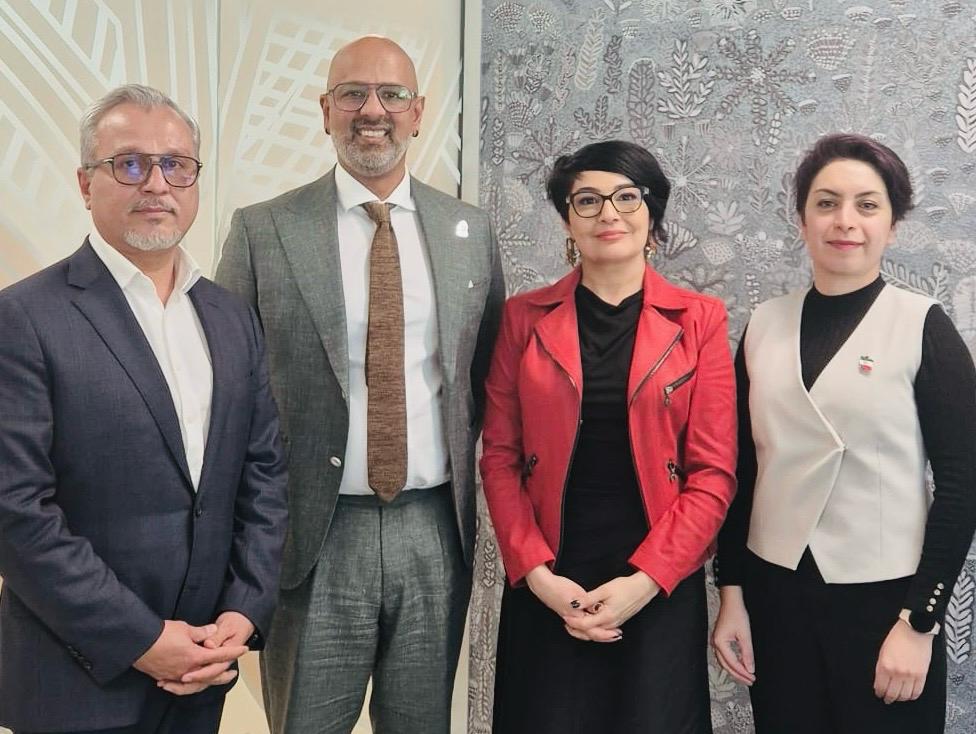
AICC representatives meeting with Queensland Human Rights (Race Discrimination) Commissioner Giri Sivaraman, Brisbane, 30 July 2026.